Prism
PrismTry Prism
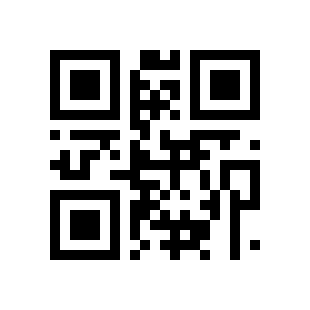
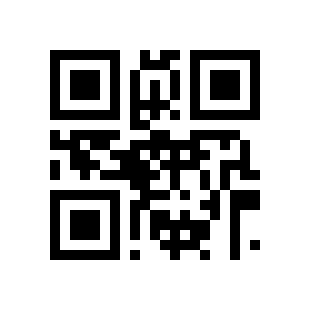
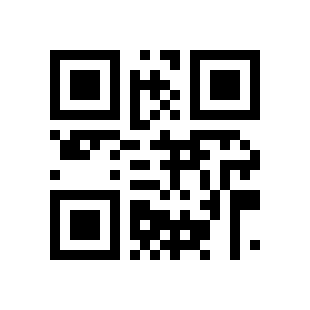
Sample QR labels
In Prism, open Settings → Use sample data before scanning. These labels represent fictional inventory.
Display this page on another device, or use your browser’s Print command. In the app, tap the scan button and point the camera at a label. You can also type the SKU into search.